Behind the Camera: What’s Actually Involved in a Professional CCTV Installation
From the outside, a CCTV installation looks simple: an engineer turns up, fixes some cameras to the wall, and leaves. In reality there’s a fair amount of planning and technical work that happens before, during, and after the visible bit — and it’s usually the difference between a system that quietly works for years and one that causes problems from month one.
The site survey comes first
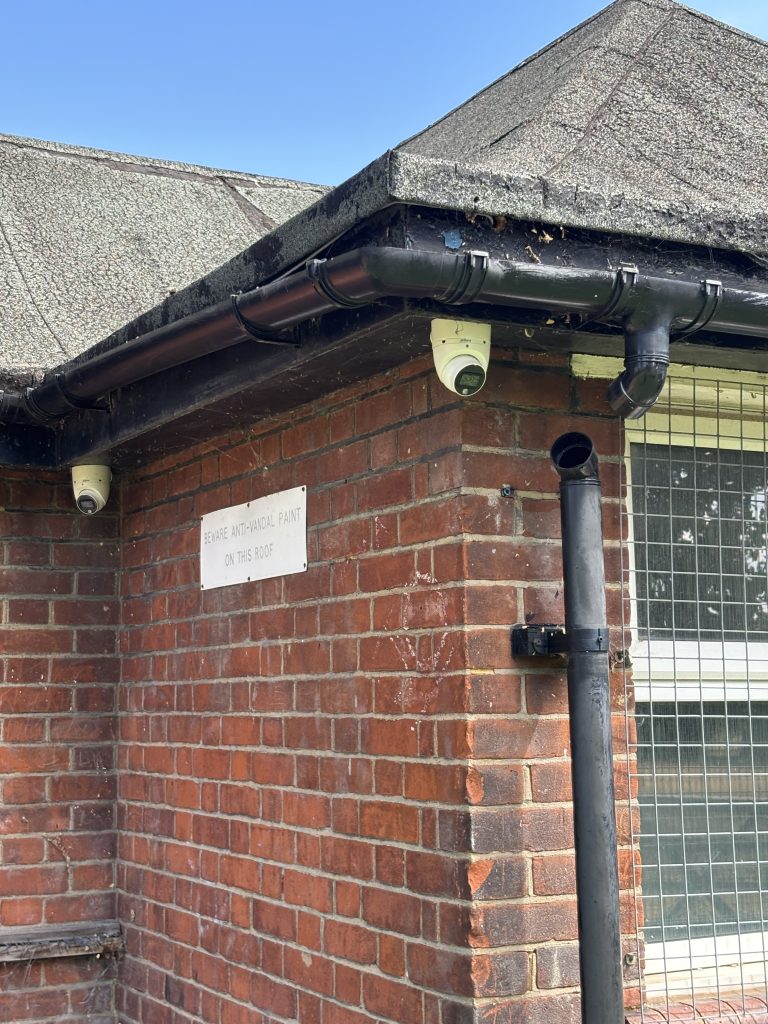
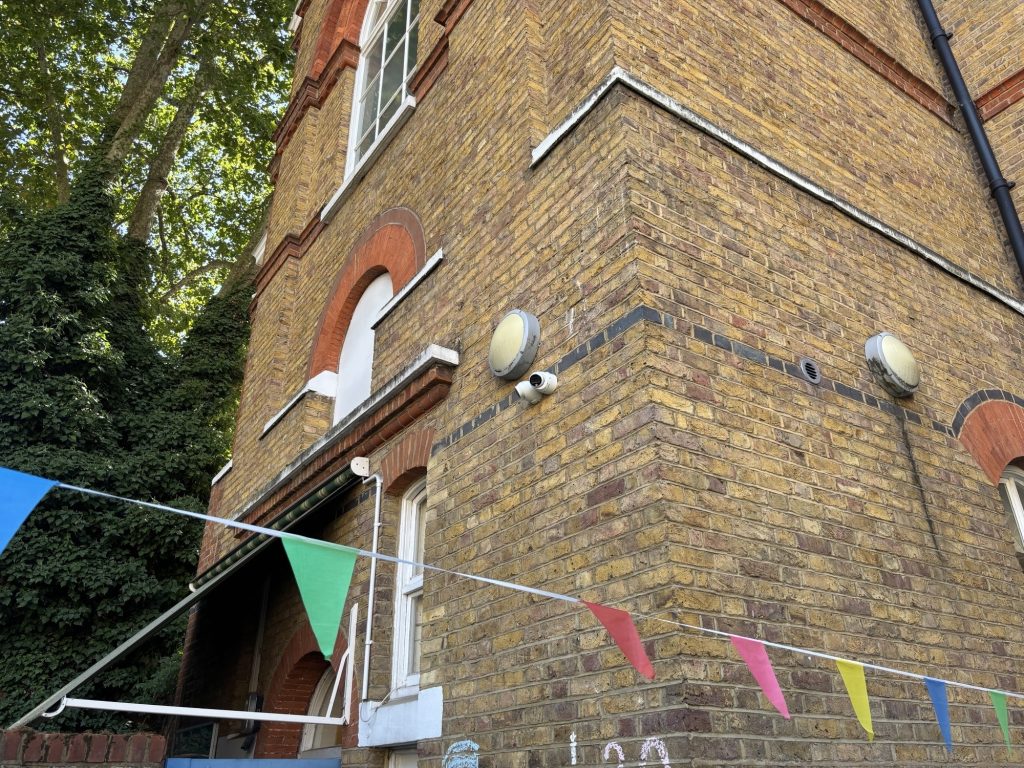
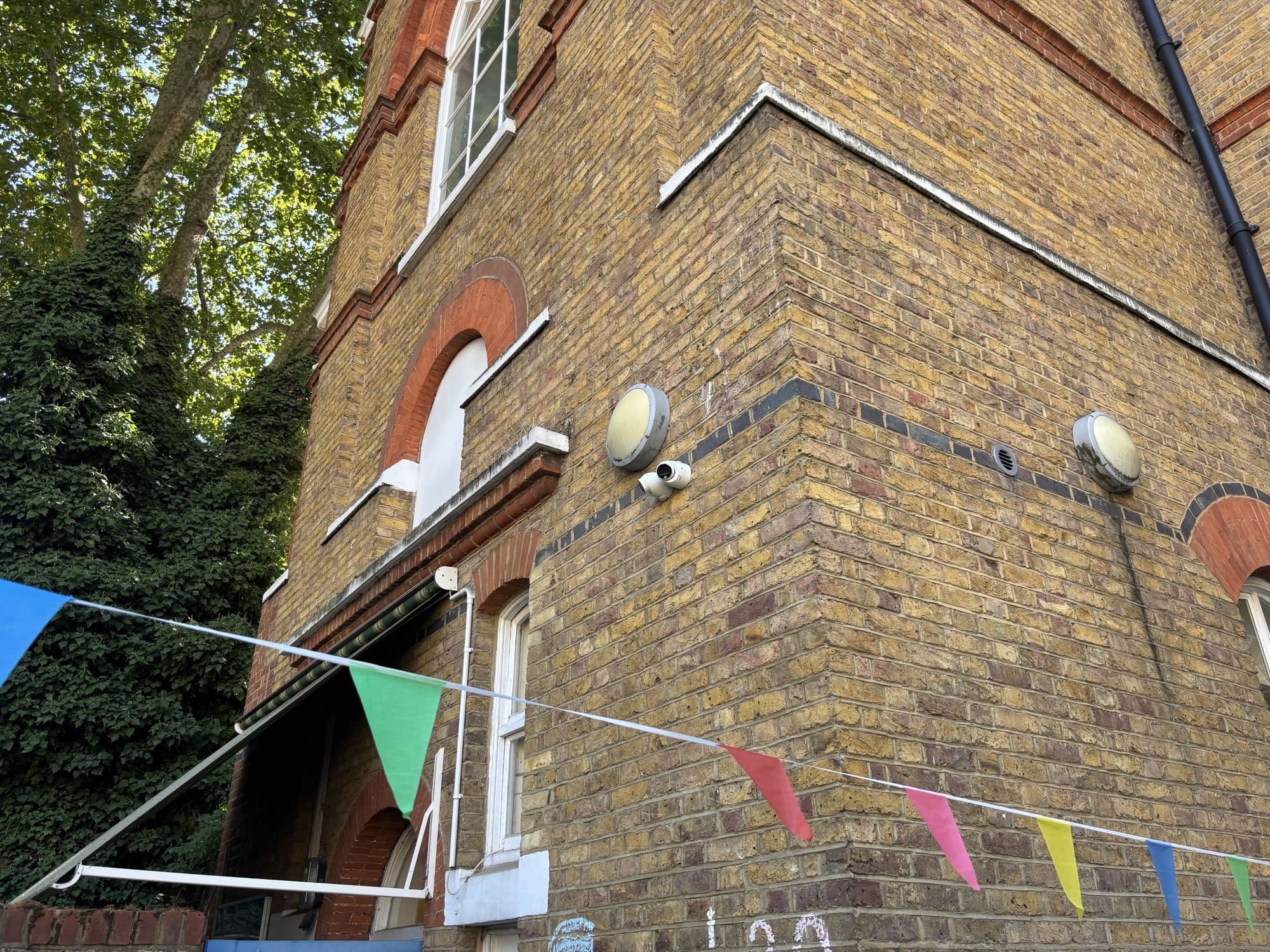
Before anything is fitted, a proper installation starts with a site survey: walking the property to identify entry points, blind spots, existing cabling, and anything that might interfere with camera placement — trees that will grow into shot, lighting that will cause glare, or areas where planning or privacy considerations restrict what can be covered. This is also where camera type and count get decided, rather than guessed at from a brochure.
Cabling, power, and PoE
Most modern commercial systems use Power over Ethernet (PoE), which carries both power and data to each camera over a single cable — simpler and more reliable than running separate power leads to every unit. Getting cable routes right, particularly on older or listed buildings, often takes more time than fitting the cameras themselves, especially where cables need to be run externally, through cavity walls, or up into roof spaces.
Choosing and setting up the recorder
Every camera feeds back to an NVR or DVR — the recorder that stores footage and, in most modern setups, makes it available remotely. Sizing this correctly (how many channels, how much storage, how long footage needs to be retained) is a calculation based on camera count, resolution, and your retention needs, not a one-size-fits-all box.
Positioning, focusing, and testing
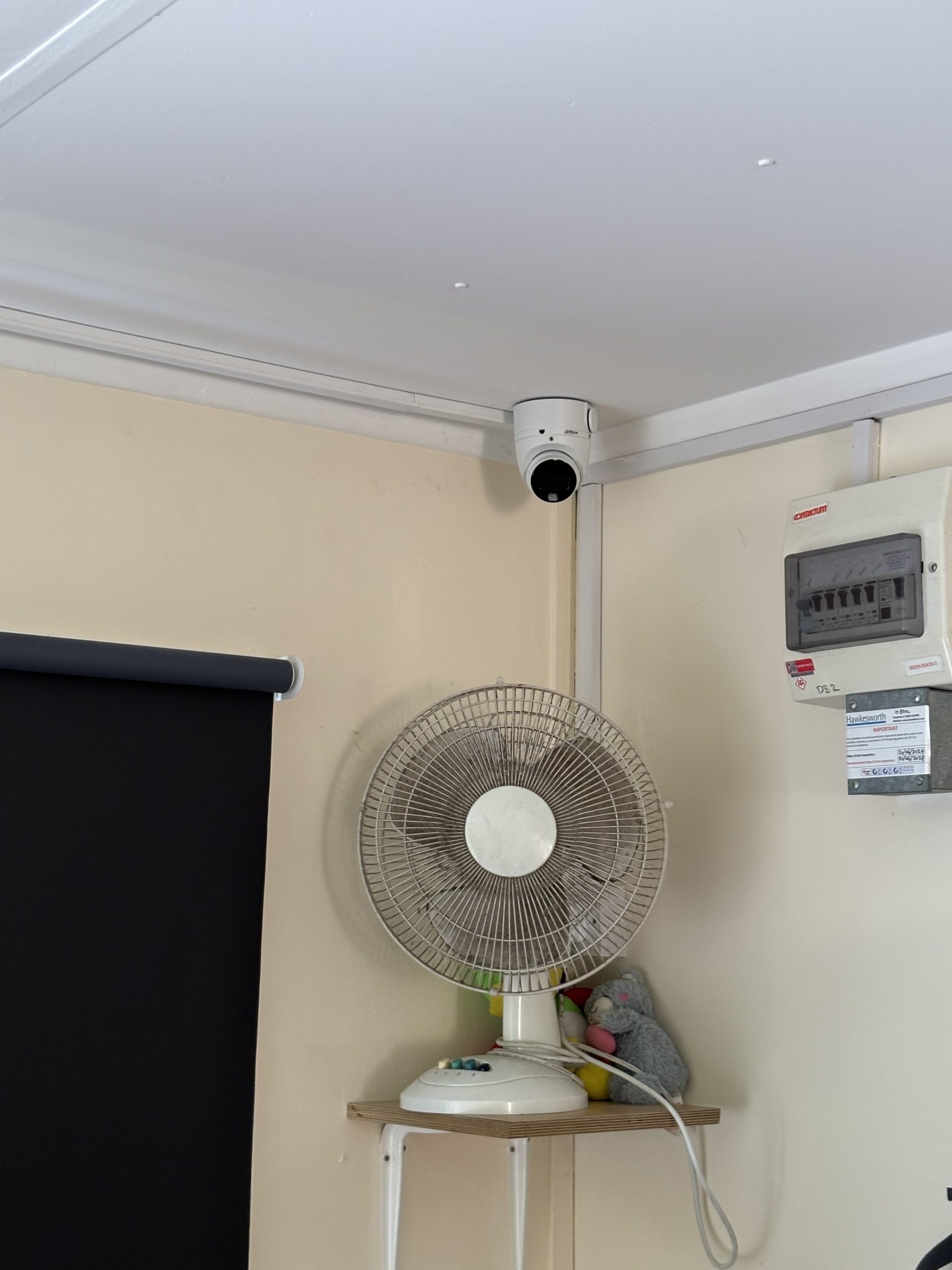
Once cameras are physically mounted, each one gets individually aimed and focused, then tested — ideally at the times of day it’ll actually need to perform, since a camera that looks fine at midday can be next to useless with low winter sun hitting the lens directly. This is also when blind spots get caught and corrected before the engineer leaves, rather than discovered later during an actual incident.
Commissioning, handover, and training
A proper handover includes setting up remote access on your phone or PC, showing you how to export footage if you ever need to hand it to police or insurers, and making sure passwords and access are set up securely rather than left on manufacturer defaults — a surprisingly common weak point in otherwise good systems.
It doesn’t stop at installation
Cameras get knocked out of alignment, storage drives age, and firmware needs updating. A quick annual service — checking focus, cleaning housings, verifying storage and remote access are still working — catches small problems before they become the reason a system fails you exactly when you need it most.